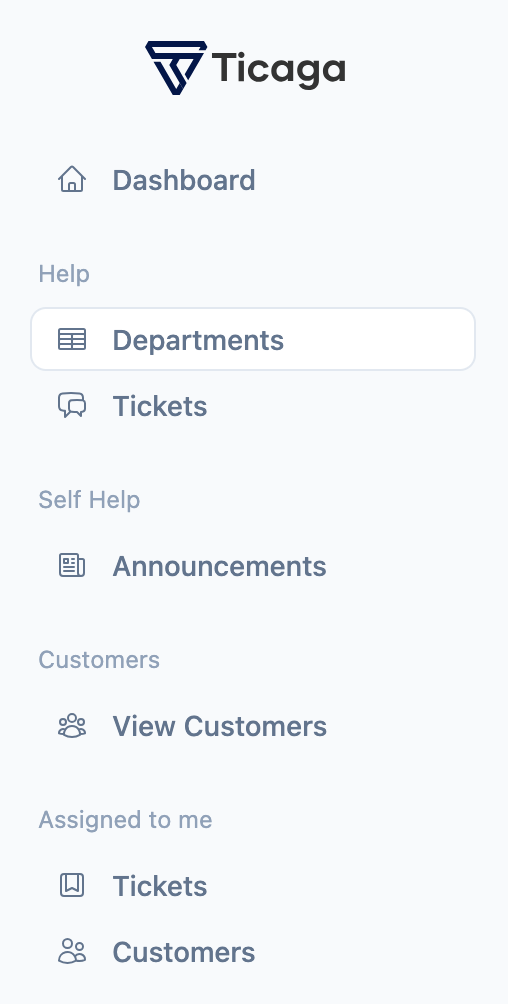
Firstly you want to select Departments on the left hand navigation.
You will see this page, we've already created a Sales department. In this tutorial we'll be creating the support department.
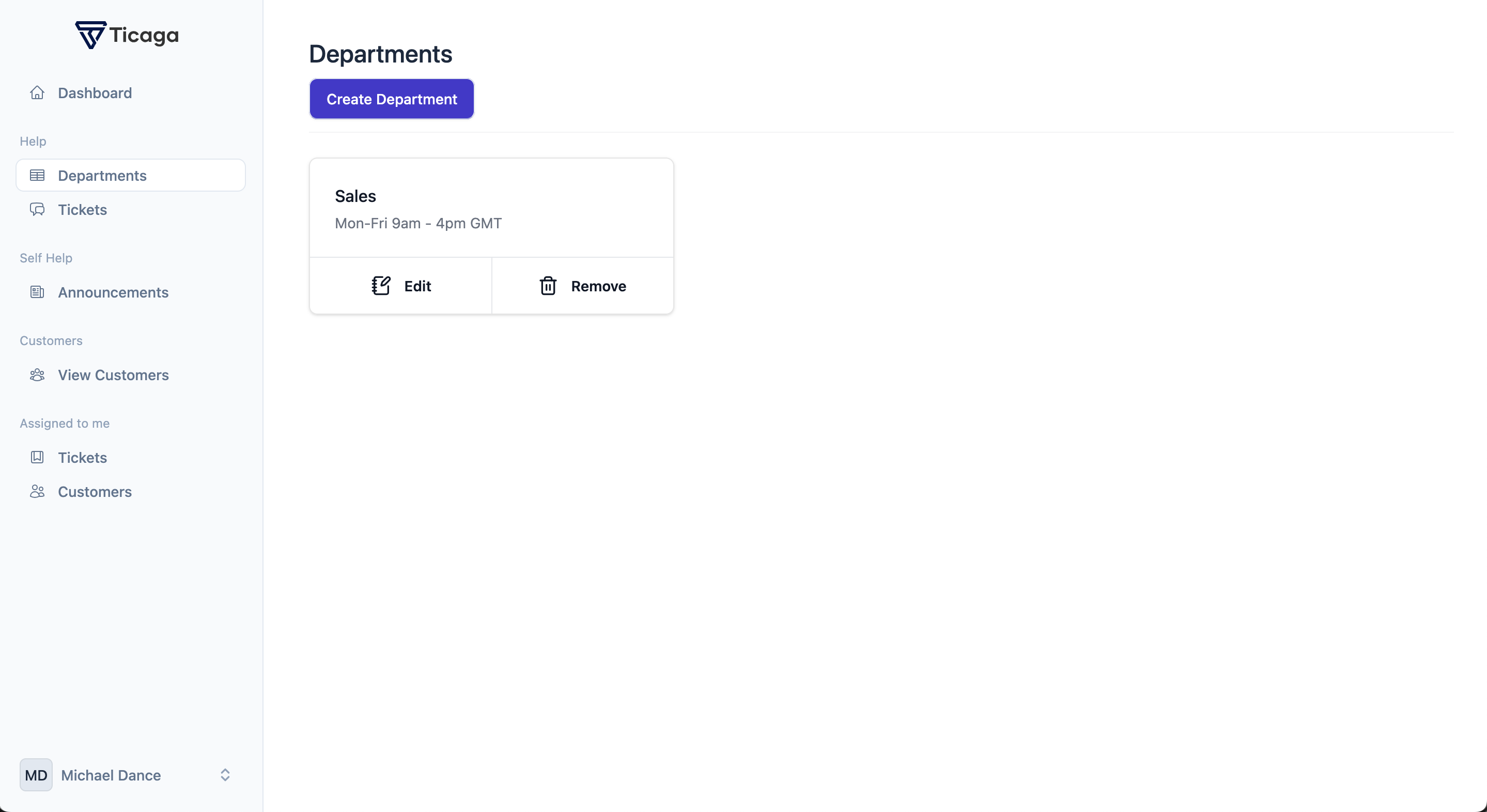
Now you can click on Create department button, to start creating your department.
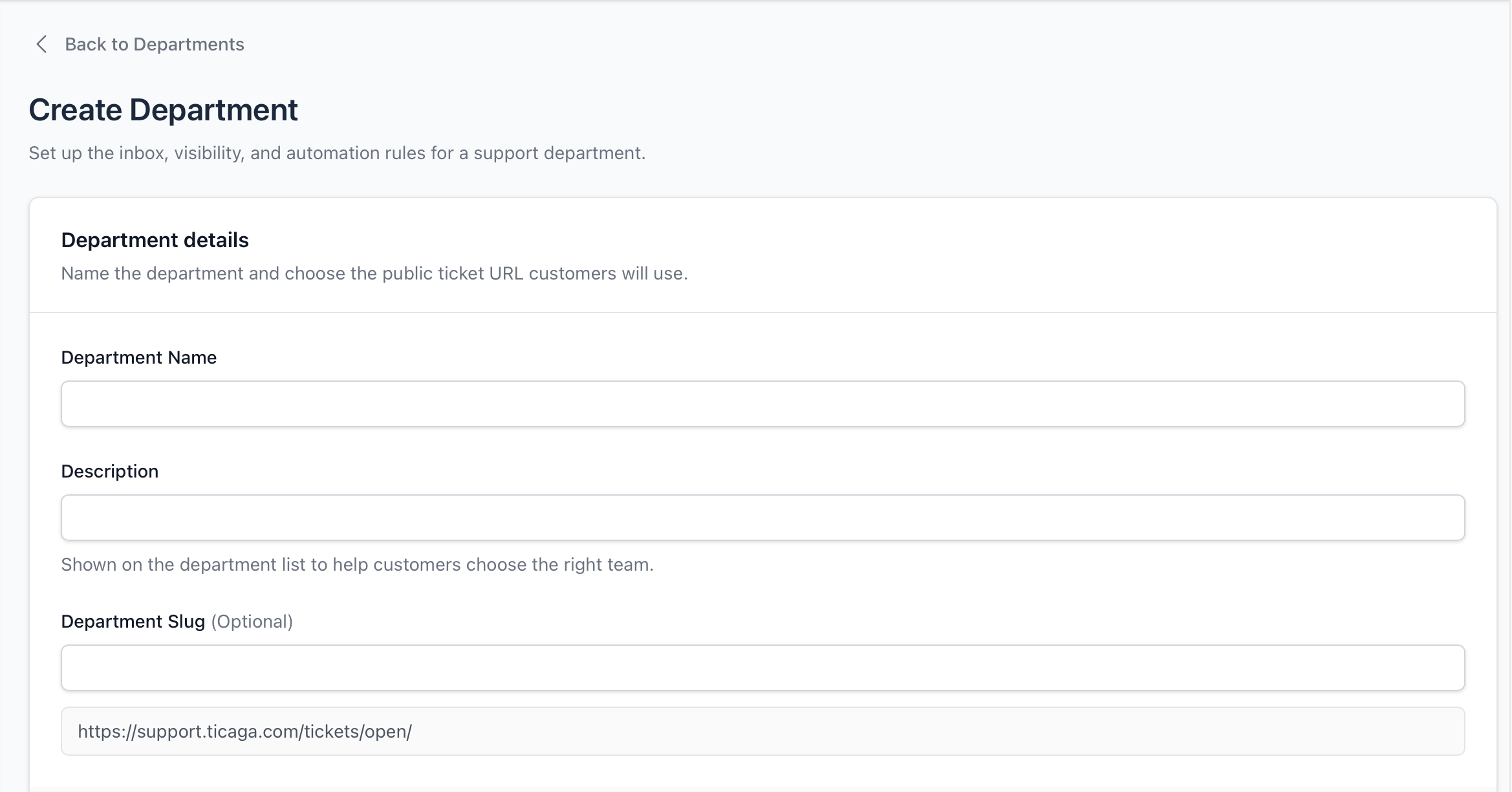
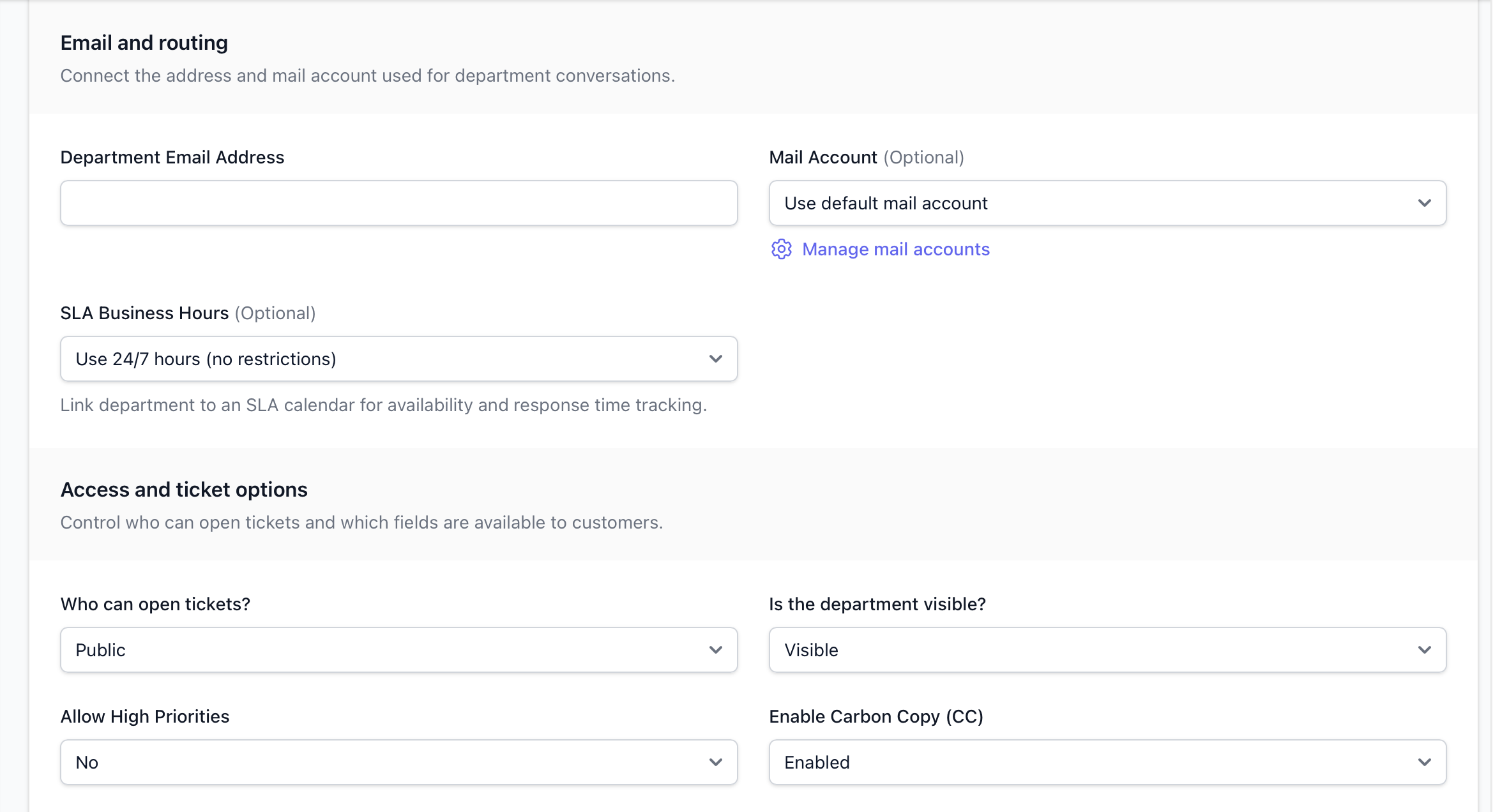
Allow High Priority: Yes or No, if you select Yes, then your customers or guests can open a ticket with a Low, Medium, High or Emergency, or any other priorities you create in the Enum, otherwise it's just Low, Medium or any other priorities you've created which aren't "High Priority".
Who can open tickets: This setting sets whether it's
- Private shared link:- Shown to no-one, you can only access it via the link.
- Public:- Shown to everyone.
- Customers only:- Shown to just customers.
Is the department visible: Is the department disabled? Yes means no-one can access it. No means anyone can access it depending on the "Who can open tickets" setting above.
After you've clicked create, you will be able to see and use the department.