Go to your personal settings > 2FA Settings > Enter your password.
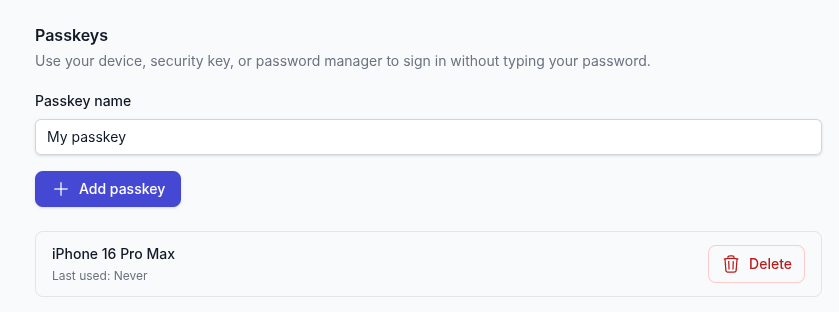
You'll then see the passkey section, set a name and click "Add passkey".
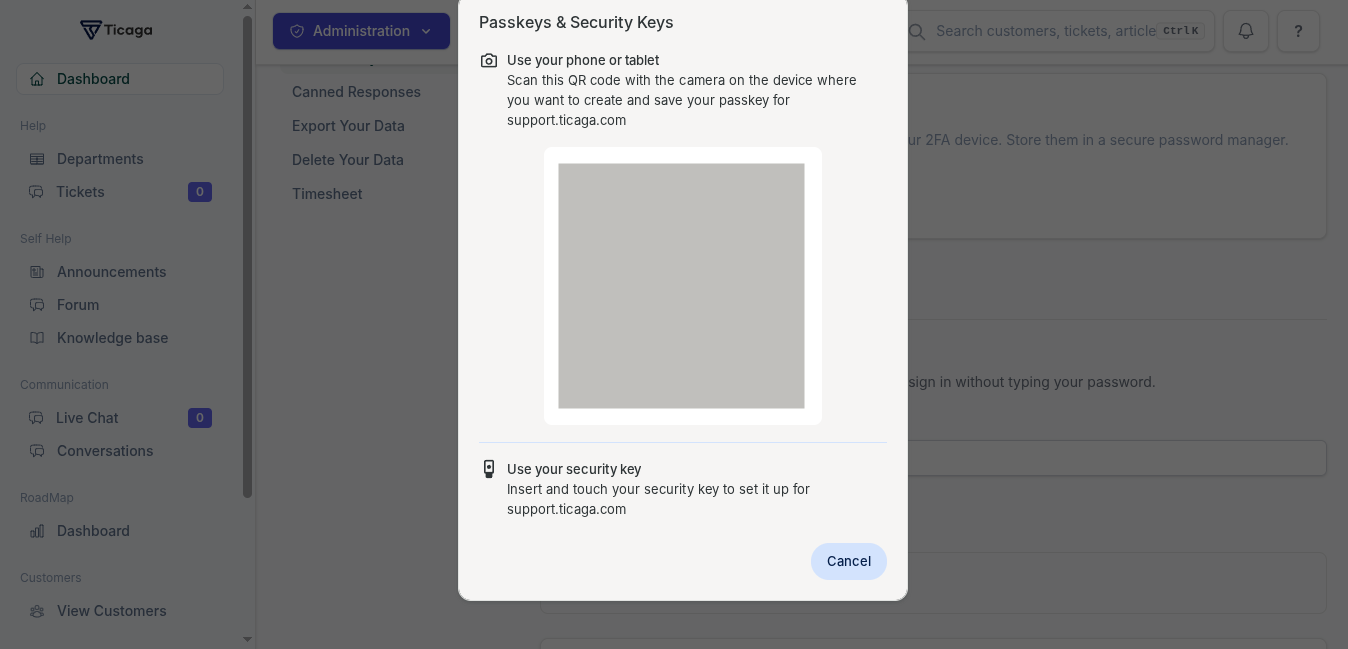
Scan the QR code with your phone or insert your yubikey into the USB port.
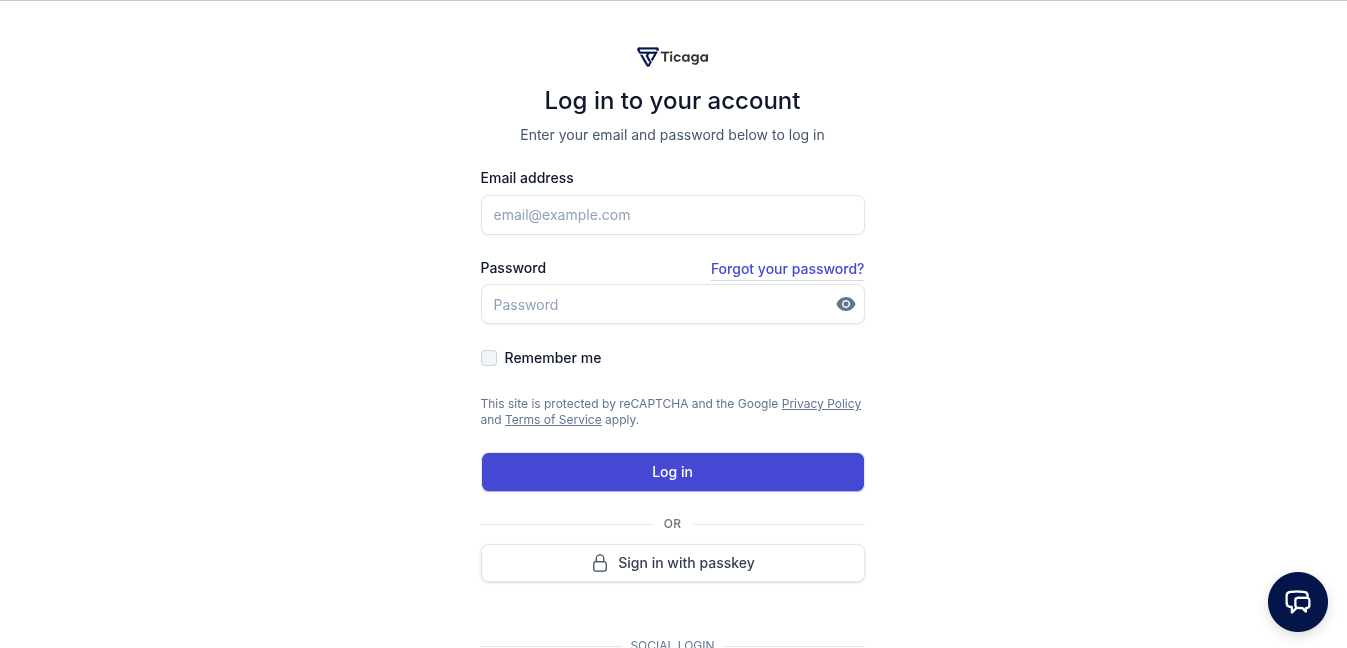
Log in with a passkey
On the login page click on Sign in with passkey button:
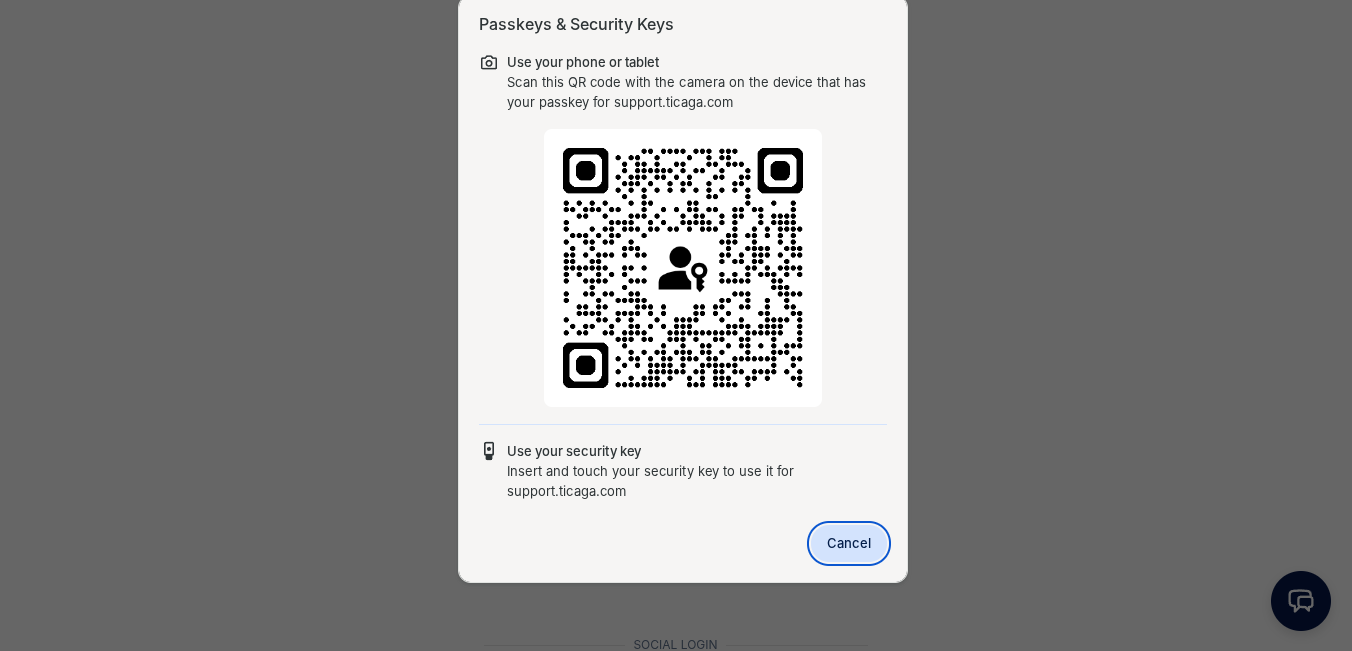
Scan the QR code or insert the Yubikey:
Enter the pin for your Yubikey (Skip this step for phone or computer):
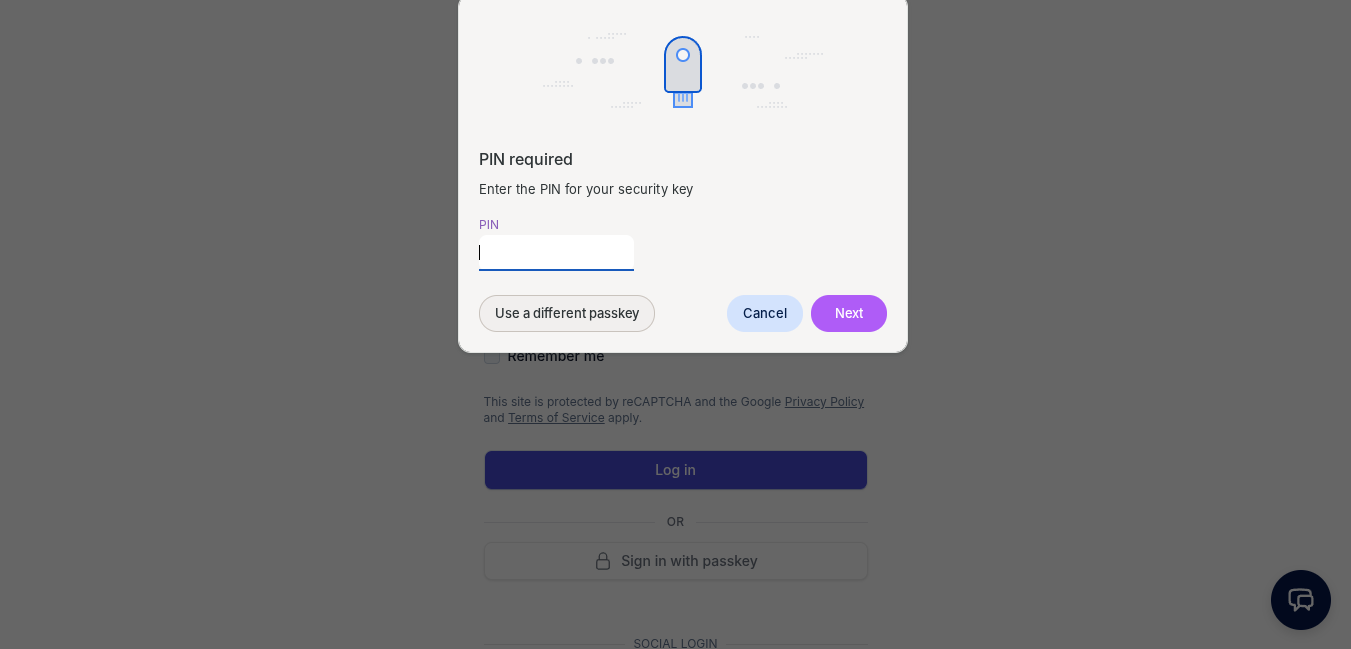
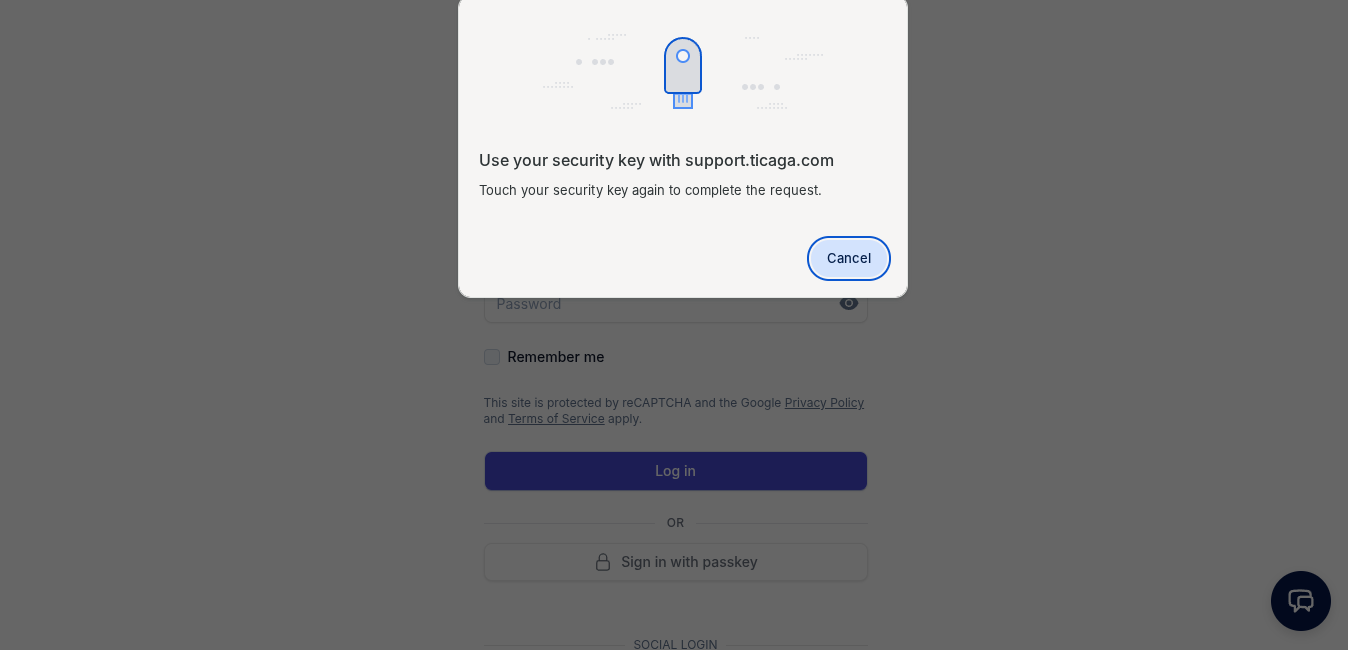
Touch your Yubikey:
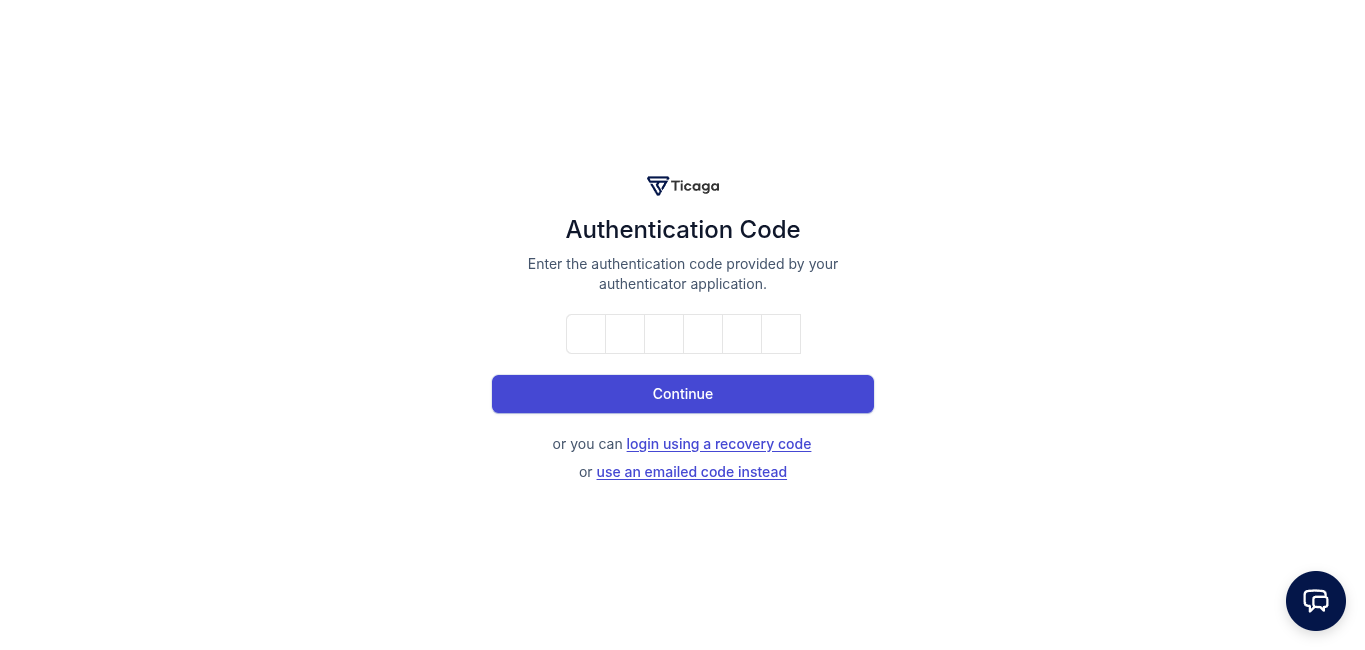
Now you can either see your dashboard or the two factor Authentication page:
Then you're inside, secure and no passwords.