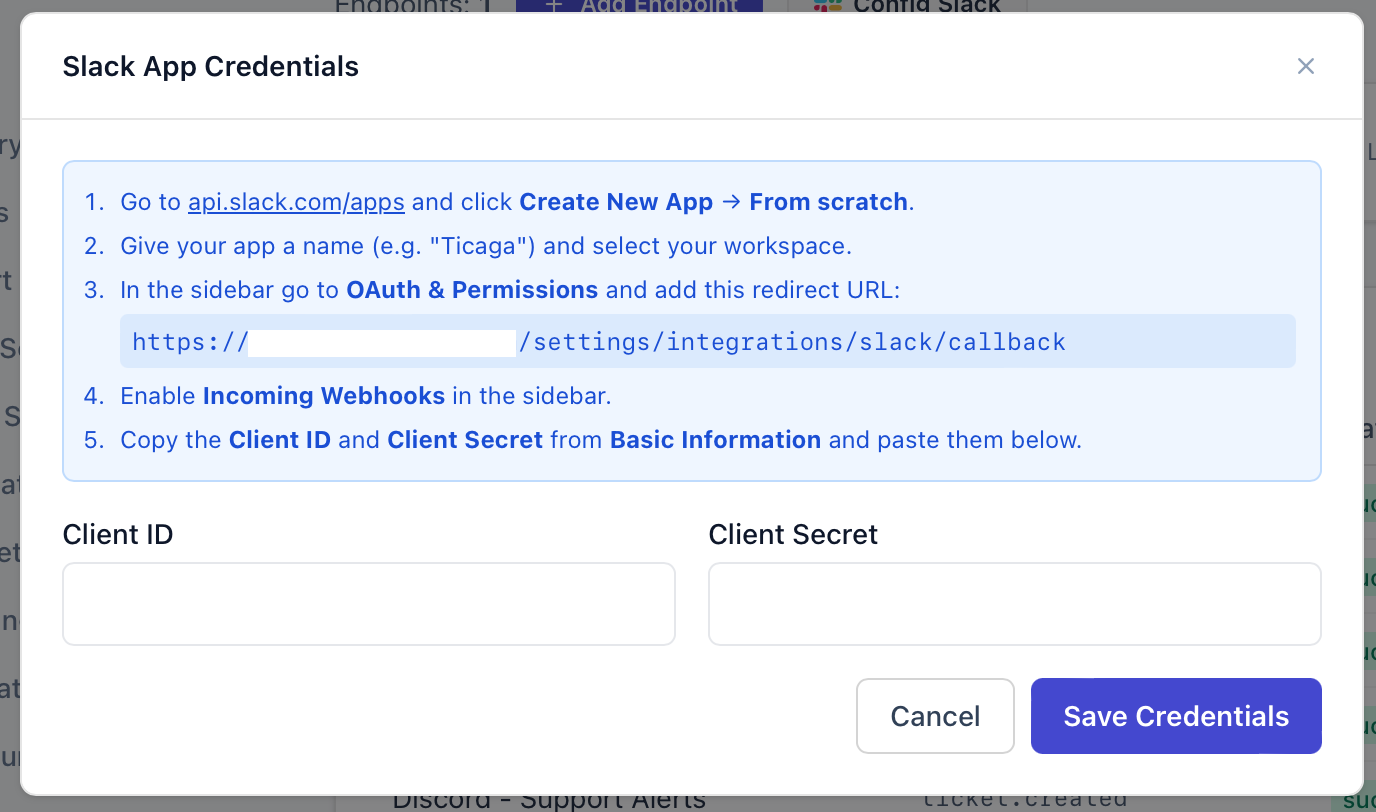
To get started, go to Administration → General Settings → Webhooks, then click Config Slack:
 Follow the instructions on the modal:
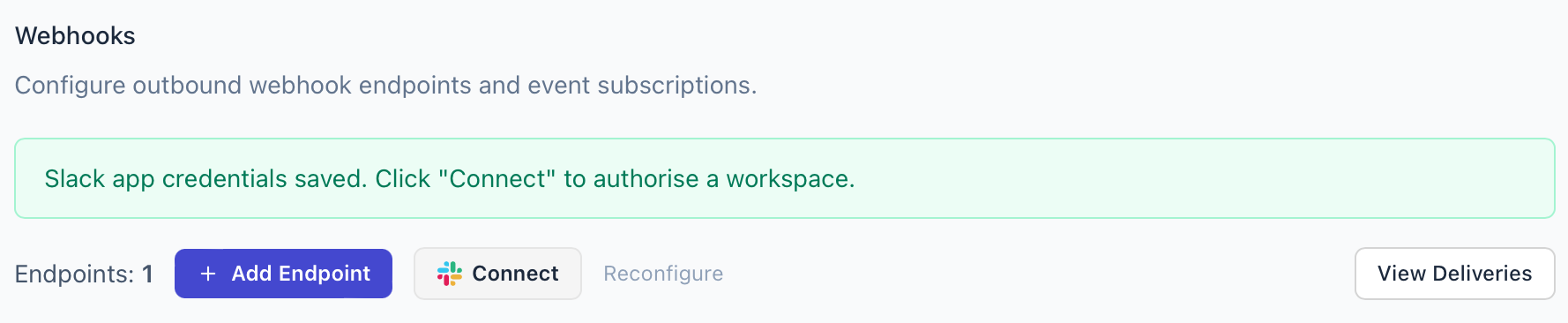
After completing those steps, you’ll see the Connect button:
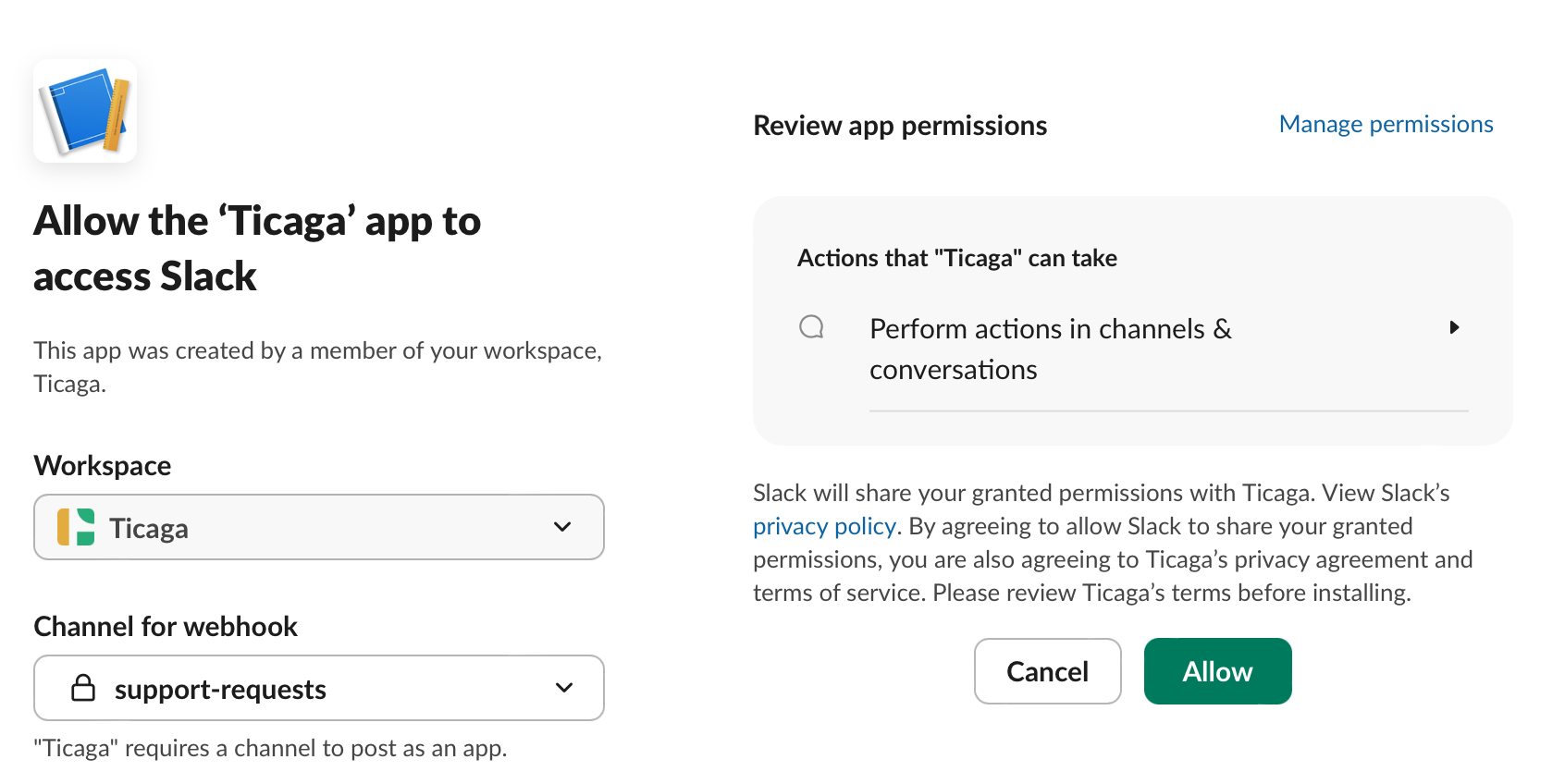
You'll be redirected to Slack to choose the Slack channel where updates should be posted:
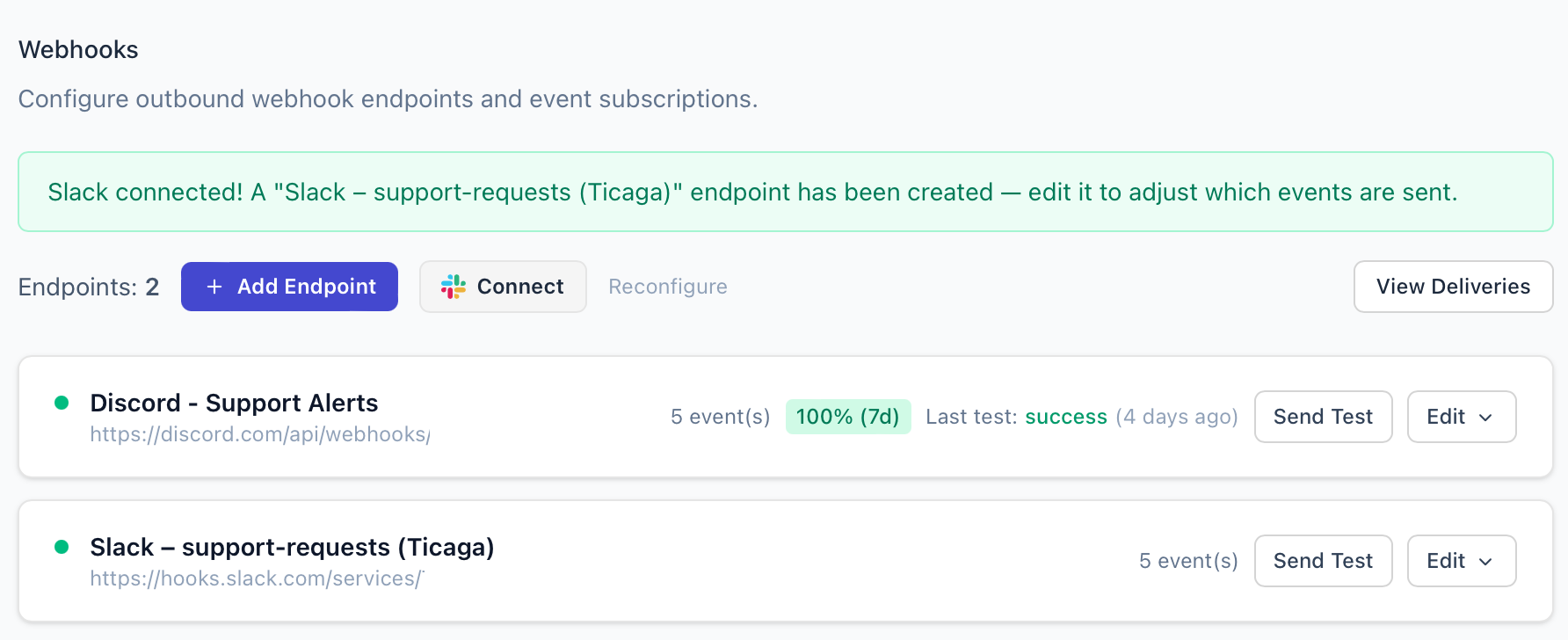
That's it, you'll get returned to Ticaga and the default events will be enabled and configured for you. You can edit, disable, or add more events at any time:
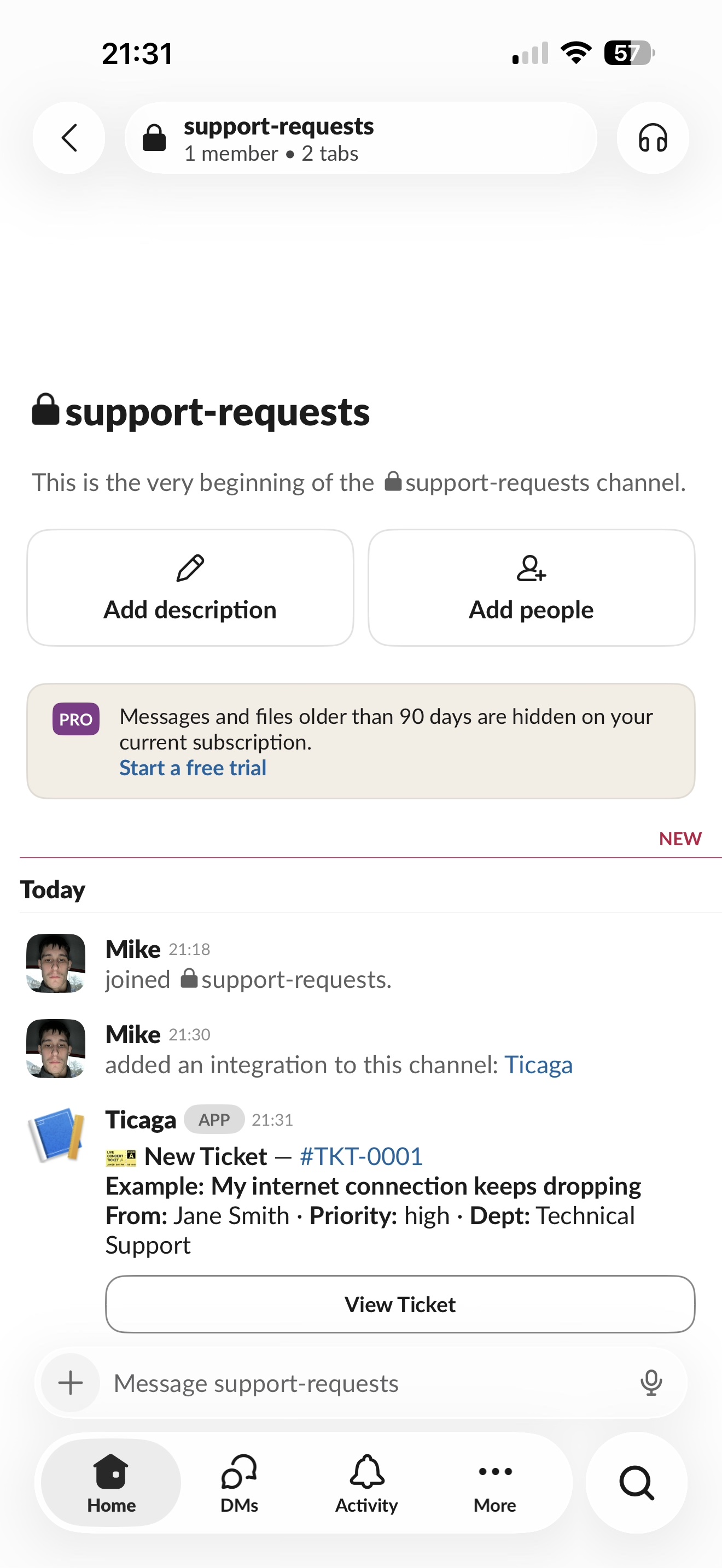
New tickets and updates will then show up on your chosen Slack channel: