You can automatically close tickets that have been waiting for a customer response for more than two days by configuring the relevant department.
Open the department settings and enable the automatic ticket closure option.

Set the closure period to 2 days, then select the ticket priorities that should be included.
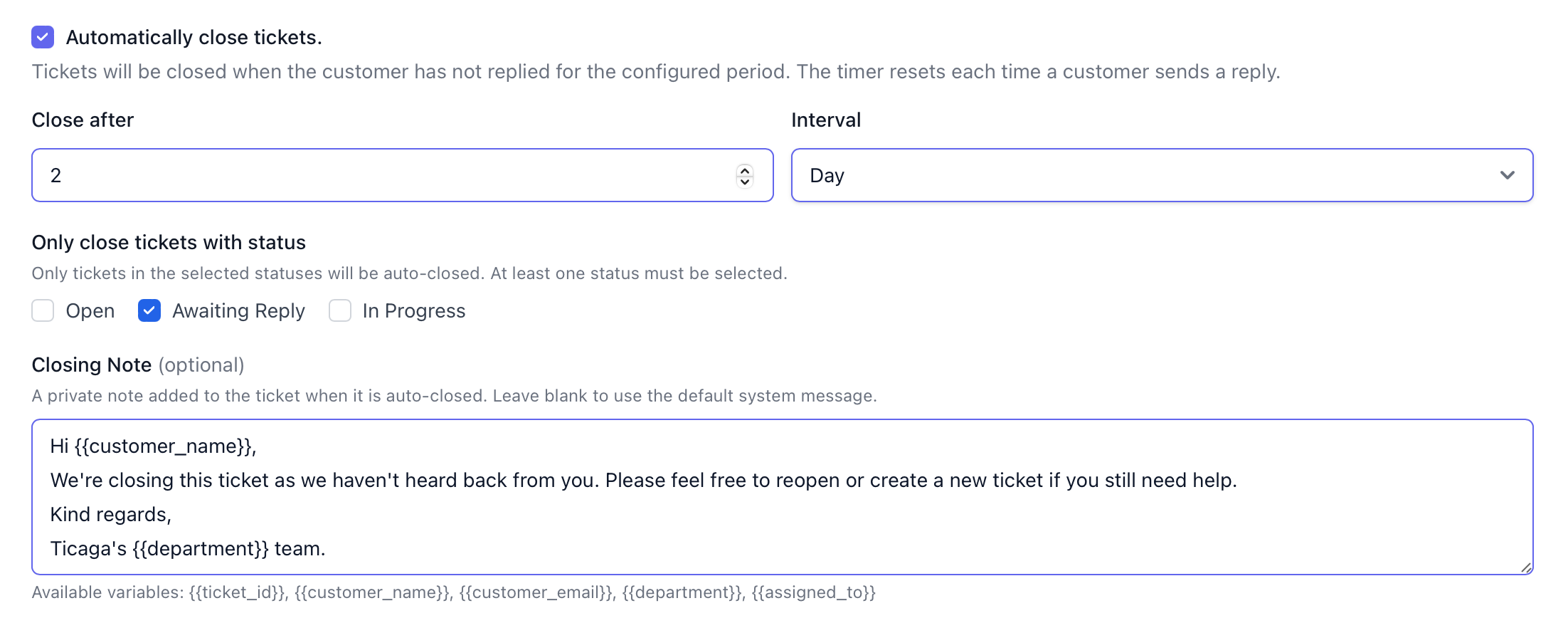
You can also add a custom closure message to inform customers that their ticket was closed automatically because no reply was received within the specified period.