
 Michael Dance
Recently updated
2 min read
118 views
Michael Dance
Recently updated
2 min read
118 views
To import Facebook DMs, first create a new Meta application:
https://developers.facebook.com/apps/
When creating the app, select the Messenger and WhatsApp use cases.
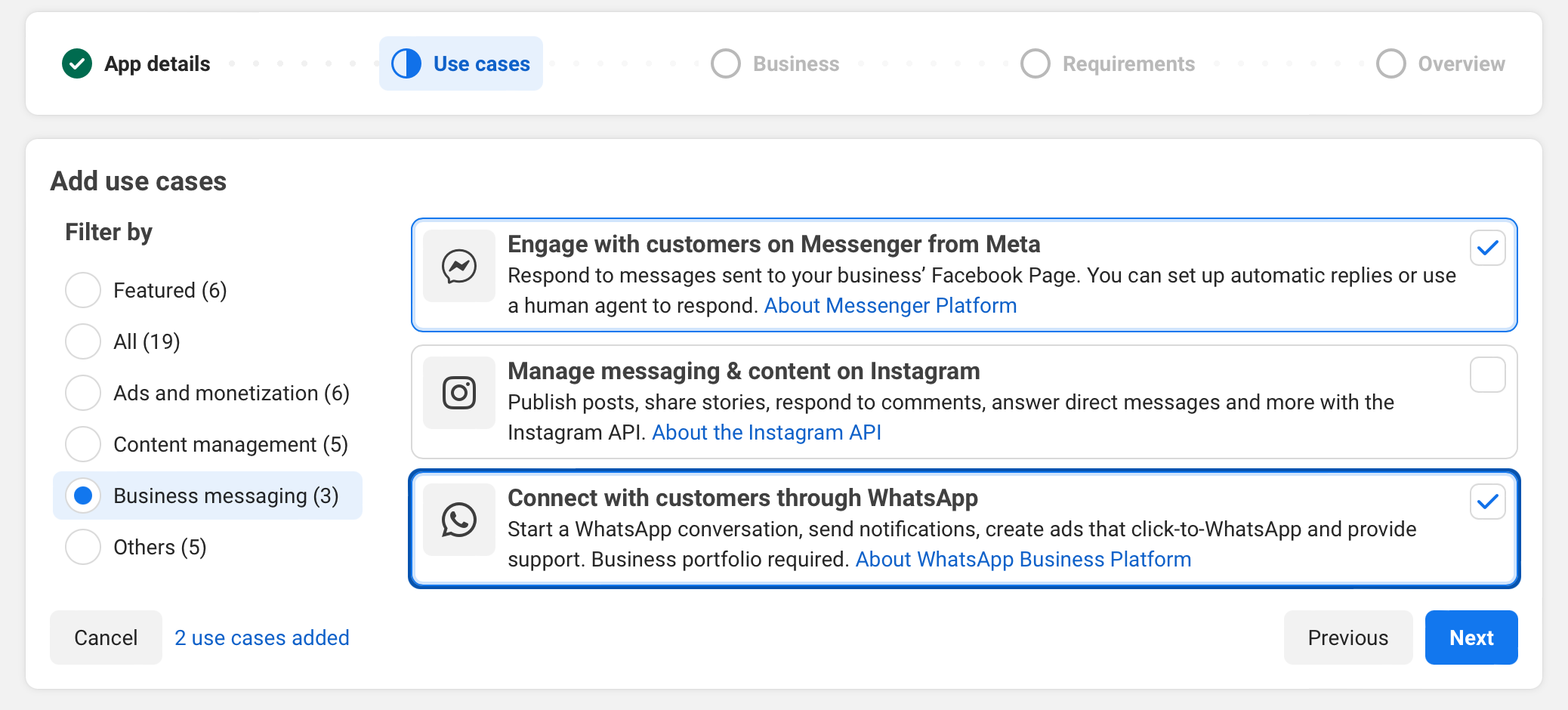
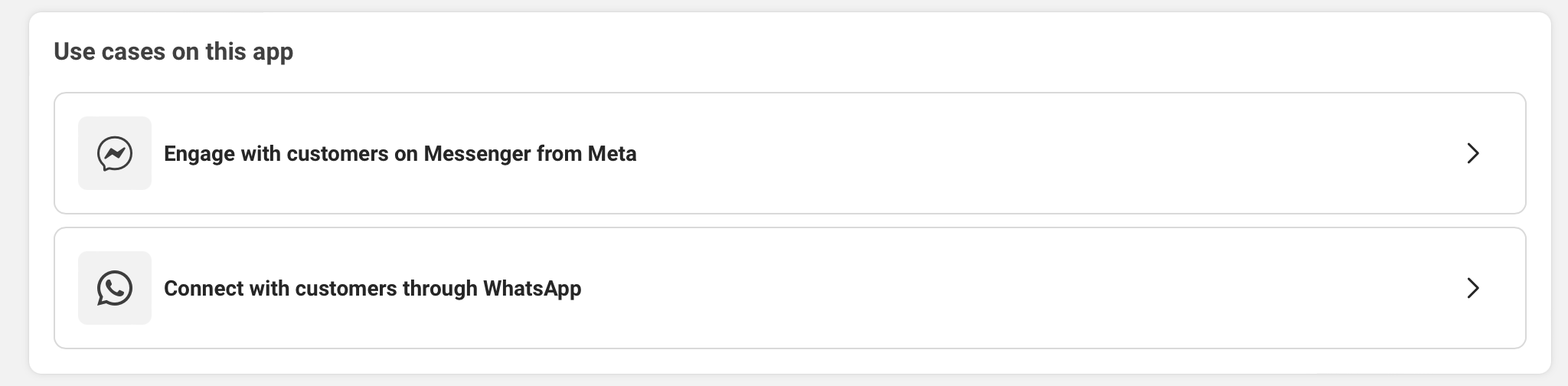
Then select Engage with customers on Messenger from Meta.
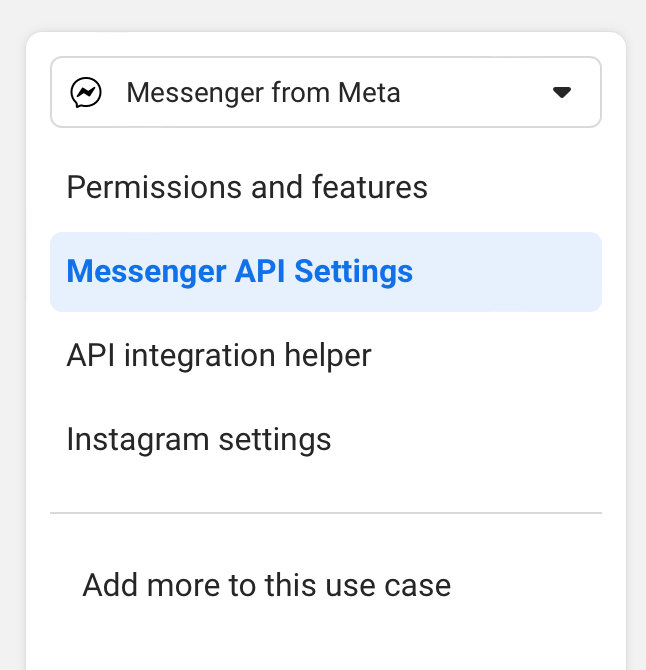
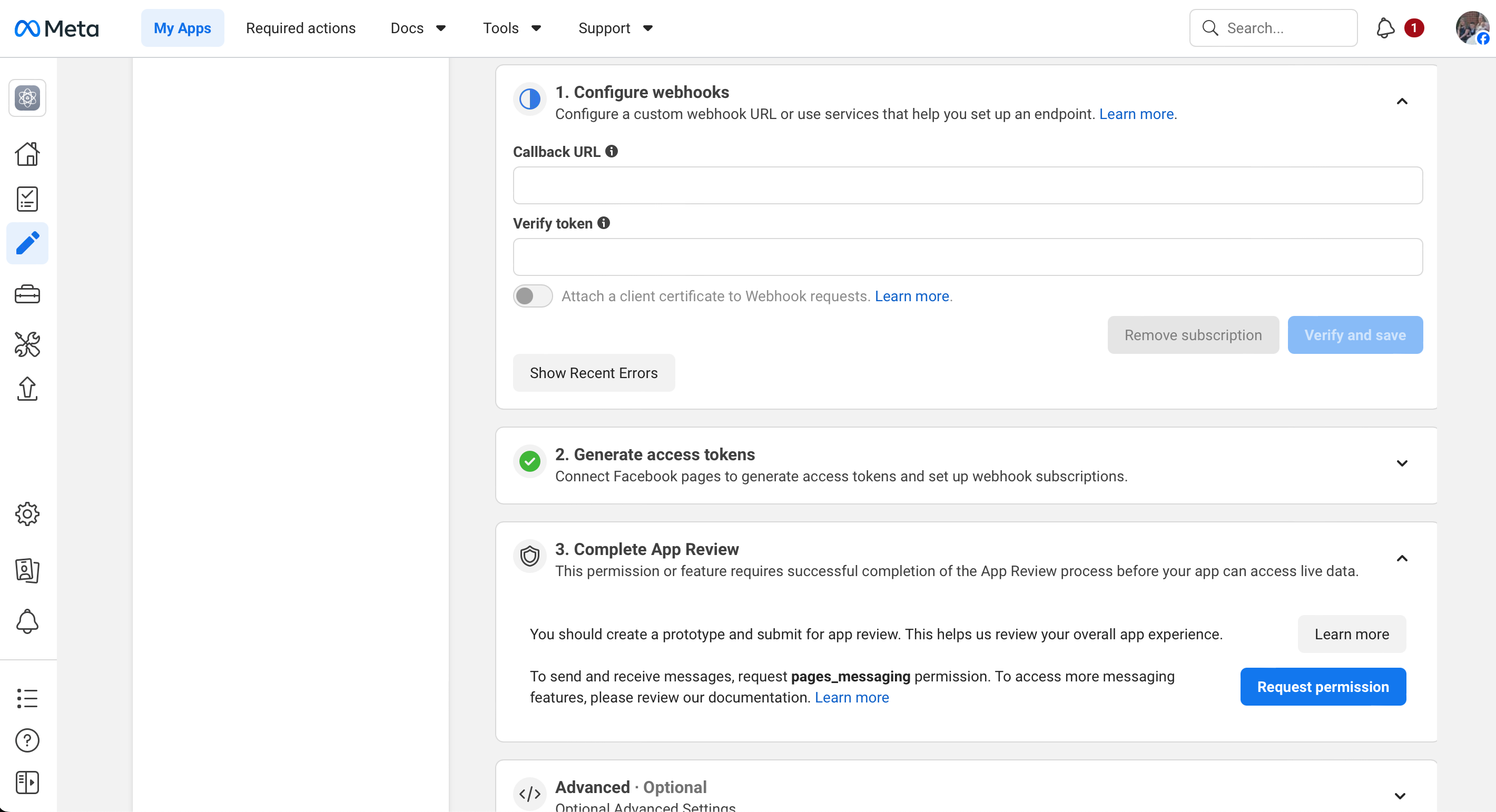
Open Messenger API Settings.
Enter the following webhook details:
Callback URL:
https://support.yourdomain.com/api/webhooks/social/facebook
Verify Token:
Enter a random token. This token must exactly match the verify token configured in Ticaga.
In Ticaga, go to:
Administration > General Settings > Social Import > Facebook
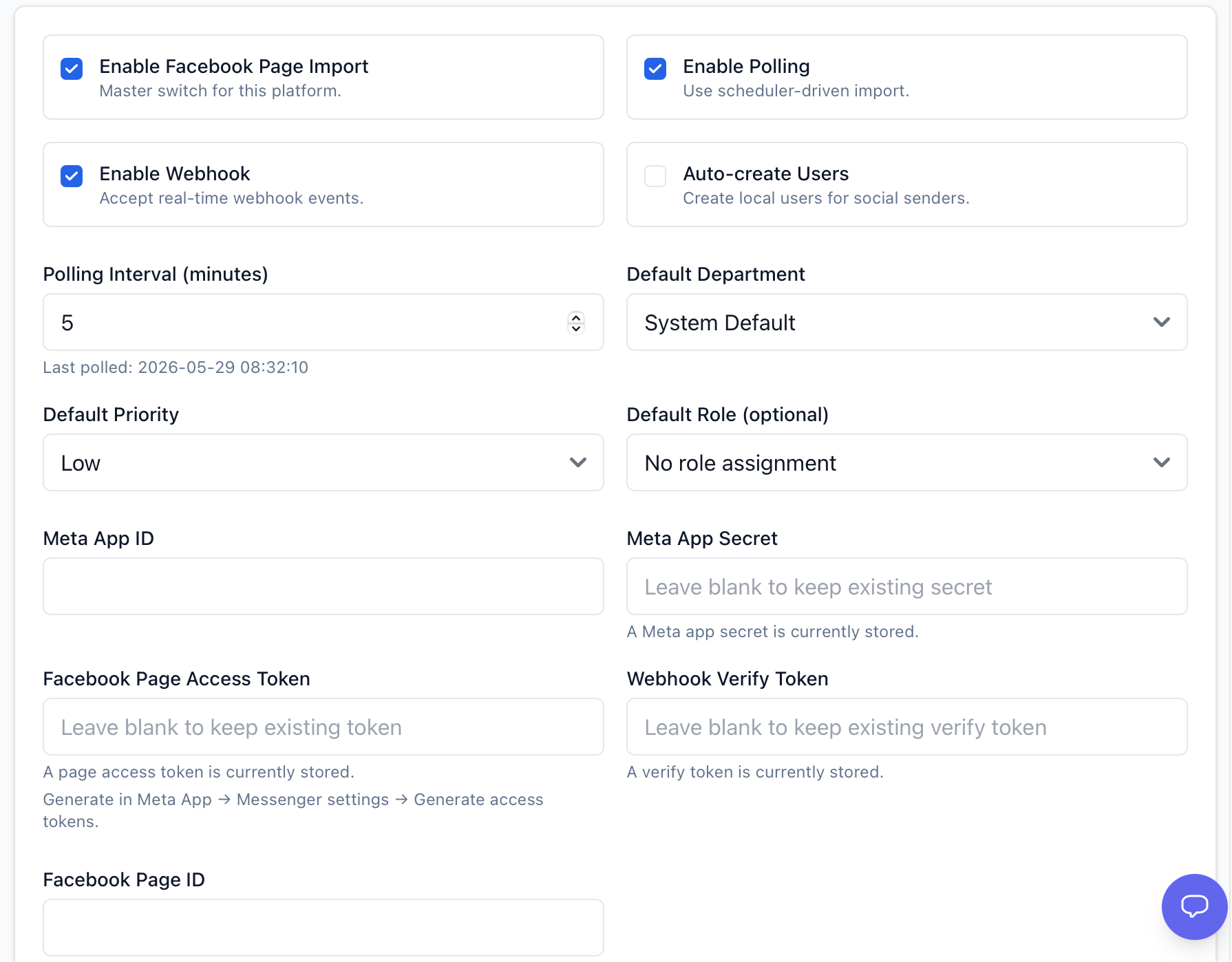
Enter the following details:
Meta App ID: Your Meta App ID
Meta App Secret: Your Meta App Secret
You can find these in the Meta app under:
App Settings > Basic

To get the Facebook Page Access Token, return to Messenger API Setup in Facebook Developers.
Click Generate next to the relevant Facebook page, then copy the full generated token into the Facebook Page Access Token field in Ticaga.
The number shown under the page name, for example 21162****, is the Facebook Page ID.
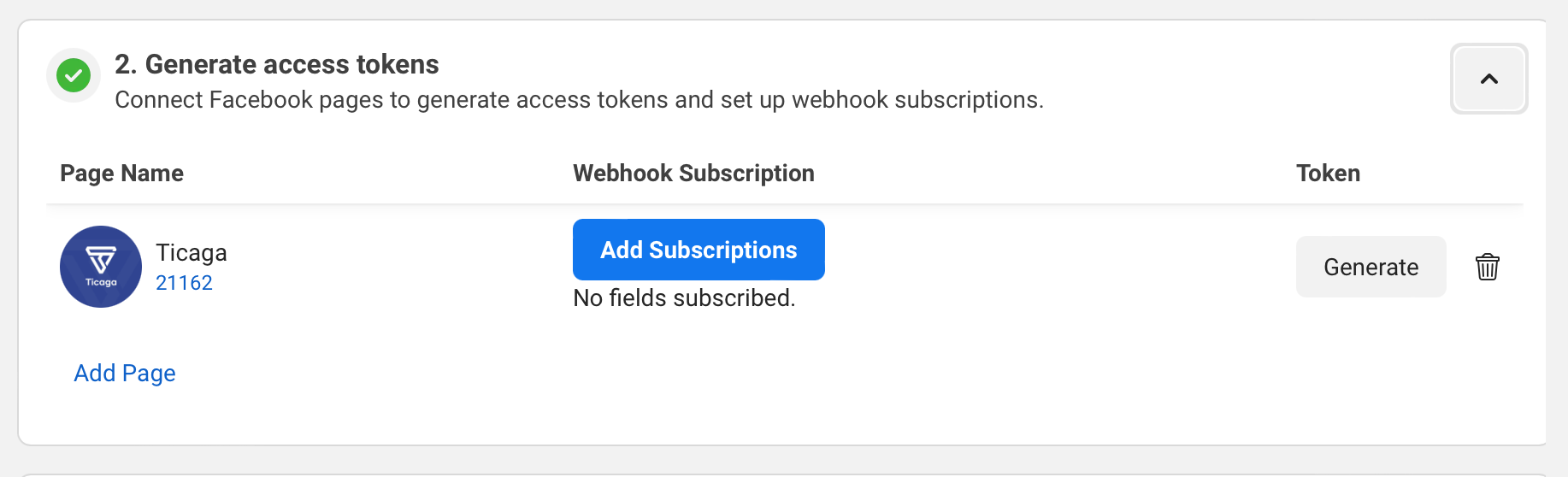
Before Ticaga can receive Facebook DMs as tickets, return to Configure Webhooks in the Meta app.
Under Webhook Fields, subscribe to:
messages

Author
Michael Dance
My name is Michael and I'm the Owner and founder of Ticaga Ltd.
Feedback loop
Be the first to rate this guide.
Article snapshot
Error: > Enable SSL in DirectAdmin, then reload this installer over https:// Find the SSL Certificates option on DirectAdmin: Click on:...
Email piping lets InterWorx send incoming email directly into Ticaga, where it can be converted into tickets for the correct department. InterWorx use...
Go to your personal settings > 2FA Settings > Enter your password. You'll then see the passkey section, set a name and click "Add passkey". S...